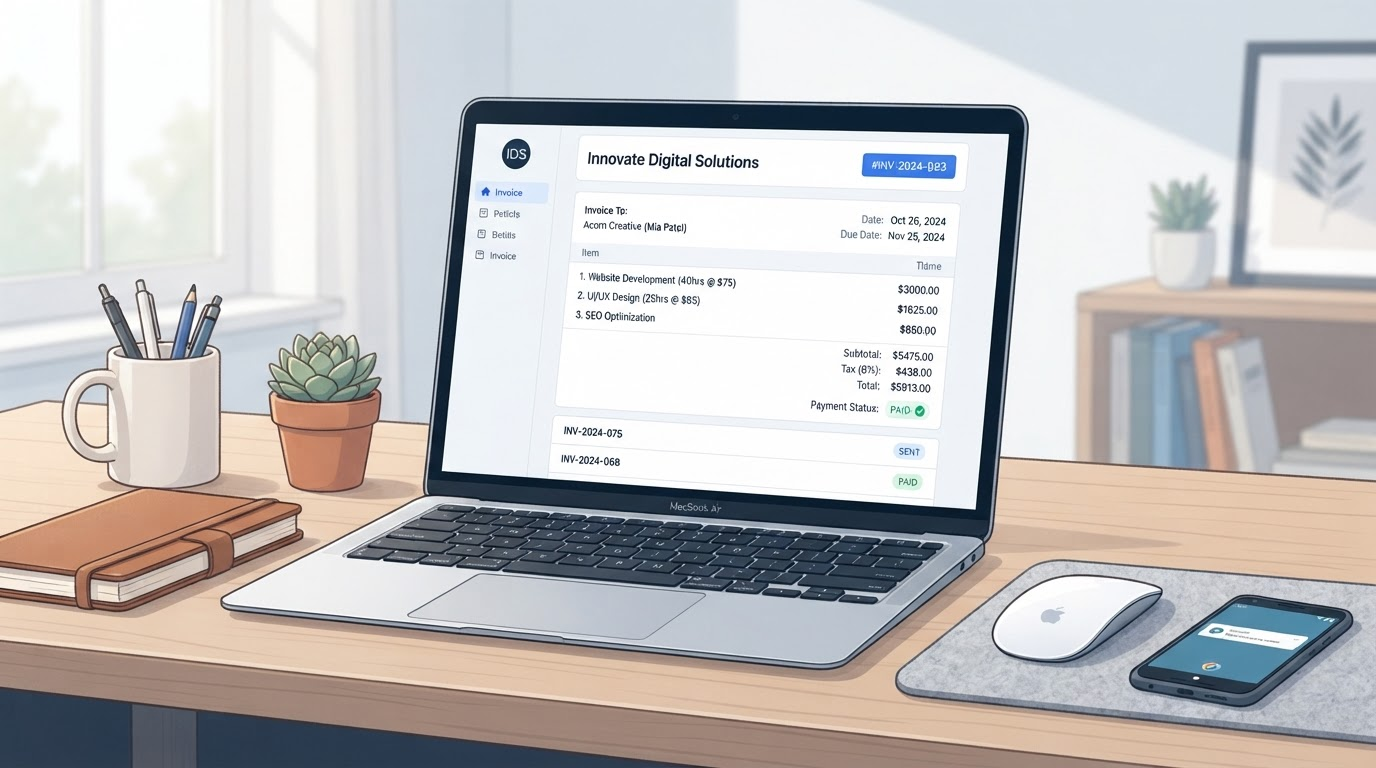
AI Invoice Tool for Small Business | Create Professional Invoices Faster | AI Clear Benefits
Picture this: a Friday afternoon slips away as you hunt through emails for customer details, jot line items on a notepad, and wrestle with clunky templates. Payments lag because follow-ups get forgotten. Sound familiar? Solopreneurs and small business owners face this invoicing grind daily. Researching small business invoice software overwhelms with options that promise the world but deliver headaches. Repetitive admin steals time from what matters: building your business.
I test the tools. You build the business. An AI invoice tool for small business cuts through this. It handles drafting and organization so you focus on review and sending. Clear benefits emerge fast: professional invoices in minutes, consistent workflows, less mental load.
What an AI Invoice Tool Handles Well (and What It Does Not)
What actually works? AI shines at turning messy notes into polished drafts. Feed it customer details, job scope, and line items. It organizes them, applies invoice templates, and suggests payment follow-up wording. It summarizes scope clearly and keeps your invoice workflow consistent across clients.
Expect human oversight for the rest. AI does not connect accounts, set up payment processors, apply tax rules, crunch final numbers, or ensure legal compliance. Review dates, totals, and details yourself. This balance builds on autopilot without blind trust.
Your Beginner-Friendly Invoice Workflow
- Collect customer details and job scope. Gather name, address, project notes in one place.
- Add line items and terms in plain language. Let AI draft the invoice using templates.
- Review numbers, dates, tax, and customer info. Double-check for accuracy.
- Send and set clear payment expectations. Use AI-suggested due dates and terms.
- Track status and automate polite payment follow-up. AI crafts reminders you approve.
- Save to records for bookkeeping. Export cleanly for your accountant.
Automated invoicing like this reclaims hours. Test it on one client first.
Practical Examples Across Businesses
Service Businesses Like Cleaning, Consulting, or Coaching
After a coaching session, note topics covered and hours spent. AI drafts an invoice with line items for sessions, resources provided, terms for next steps. Review, send. Follow-up reminds the client politely two weeks later.
Contractors Such as Handymen, Detailers, or Landscapers
List materials, labor hours, site notes. AI organizes into a template, adds photos if noted. You confirm quantities and totals, then invoice on-site via phone.
Product-Based Like Bakeries, Etsy Shops, or Small Retail
Track custom orders: cake flavors, quantities, delivery fees. AI pulls from order notes into invoice templates, suggests upsell notes. Export for inventory after payment.
Decision Checklist: Choose the Right Small Business Invoice Software
Ask these questions before committing:
- Can I easily edit invoice templates for my branding?
- How does it handle customer data securely without overkill setup?
- What payment integration options exist, like Stripe or PayPal?
- Does it support customizable payment follow-up reminders?
- Can I export invoices for bookkeeping software?
- Is search simple for past invoices and clients?
Prioritize tools matching your volume. Clear benefits come from fit, not features.
Common Mistakes to Avoid in Your Invoice Workflow
- Sending without review: Always check numbers and details.
- Inconsistent line item descriptions: Use AI to standardize.
- Missing due dates: Set them upfront.
- No follow-up system: Automate reminders, approve each.
- Mixing personal and business records: Separate folders or exports.
Skip these pitfalls. Your workflow strengthens with practice.
For broader advice on choosing practical AI tools for small business workflows, check that guide next.
Ready to Streamline?
If invoicing is the bottleneck you want to solve next, run it through the Solution Finder. It matches your needs to tested options. Build on autopilot. What actually works awaits.