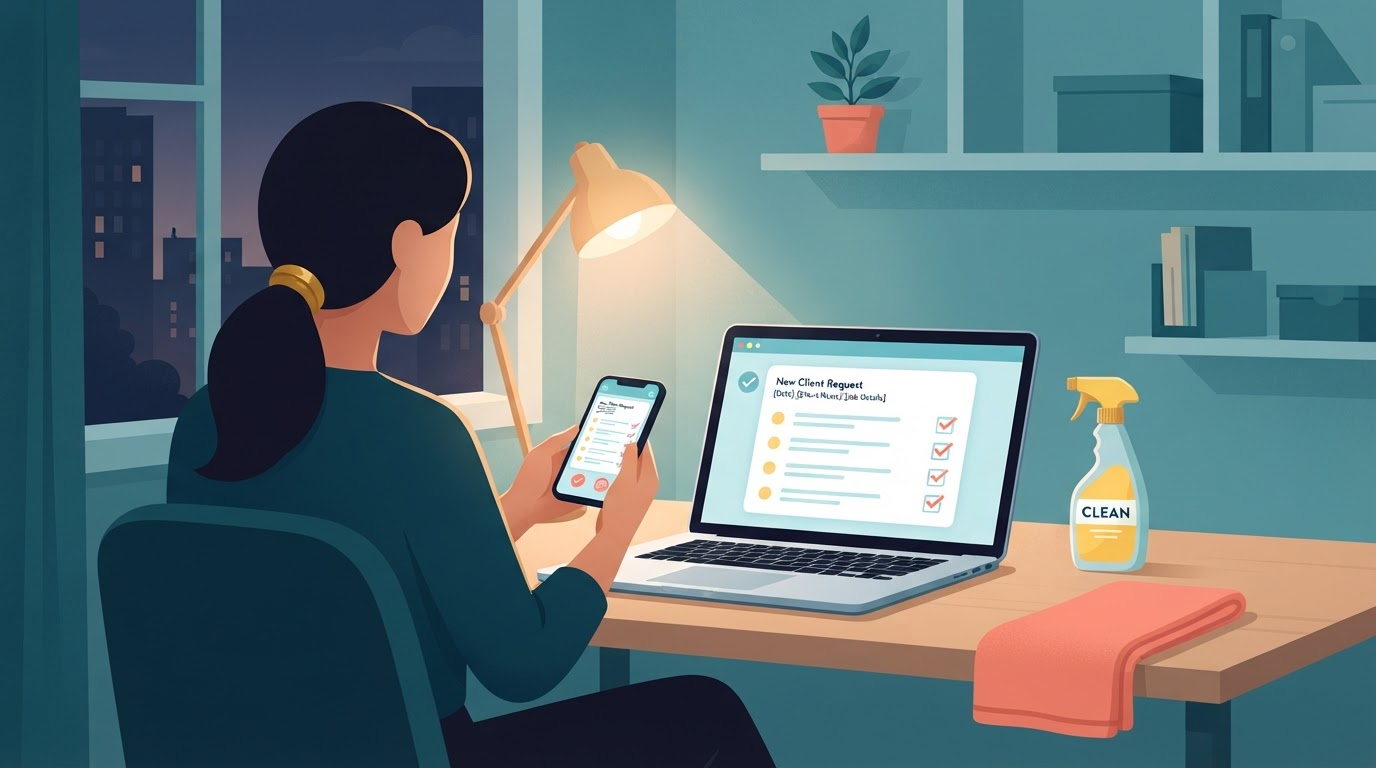
How to Organize Cleaning Requests That Come In After Hours
You finish a house clean at 6 p.m. Your phone buzzes. A homeowner texts about a deep clean. You see it quick. Then you drive to the next job. That night, another message hits on Facebook. Email pings at midnight. Voicemail waits from Instagram DM.
Morning comes. Texts mix with emails. Facebook hides one detail. You forget the address from the first text. Rooms? Timing? Pets? Details scatter across apps. You guess or chase them down.
This guide shows a simple process to organize cleaning requests. After-hours cleaning requests stay in one spot. You collect cleaning business customer details right. Reply when ready. The short video below shows the idea.
Watch the short version of this guide.
A simple way to organize after-hours cleaning requests
Details get lost because each app holds a scrap. Text misses the address. Email skips rooms. Social message lacks timing or pets. A late text says "how much to clean my house?" No city. No ZIP. No frequency.
Use these five steps. They help you organize cleaning requests. Build a cleaning request page. Keep cleaning business customer details complete.
- Collect the right details. Ask for name, address, service type, and more. No more guessing later.
- Use one public cleaning request page. Homeowners fill it from texts, emails, or social. Skip many inboxes.
- Keep every request in one private place. Only you see it. No clients peek.
- Review requests when ready. Check with morning coffee. Or between jobs. See all at once.
- Choose when and how to respond. You decide. Call back. Text. Email. Nothing replies for you.
Useful details to collect on a cleaning request page
A complete request beats a short midnight text. Price it fast. Schedule easy. List these on your cleaning request page.
- Name and best contact method. Phone or email.
- Cleaning location. Full address or city and ZIP code.
- Service type. Regular clean. Deep clean. Move-out.
- Timing. Date and time they want.
- Frequency. One-time or weekly.
- Pets and rooms. Number of pets. Rooms to clean.
- Special requests. Products to use. Locked rooms. Parking spots.
Homeowners fill this. You get cleaning business customer details. No back-and-forth.
Collecting requests differs from automatic replies
A cleaning request page gathers details. You work or sleep. It holds after-hours cleaning requests. No reply goes out.
It does not send a message back. No follow-up texts. You read the request later. You pick the time to respond. Call the homeowner. Text details. Email a price. You stay in control.
This setup organizes cleaning requests. It fits solo owners. Clean houses all day. Check requests at night or morning.
One example setup for cleaning businesses
AfterHours Lead Desk shows this process. It works for cleaning businesses. Costs $39 one time for lifetime beta access.
You get a public request page. Homeowners submit details there. A private workspace shows all requests. Just for you.
No automatic replies. No follow-ups. You review and respond when ready. Try it at aiclearbenefits.gumroad.com/l/afterhours-lead-desk.
Quick summary: Organize cleaning requests in five steps
After-hours cleaning requests pile up. Texts. Emails. Social. Details scatter.
Use one cleaning request page. Collect full cleaning business customer details. Store in your private spot. Review on your time. Respond your way.
Requests wait in one place. You reply when the workday fits. Stay organized. Keep control.